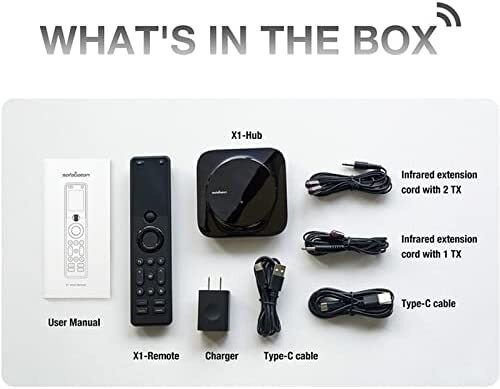
-
-

-
 0
Cart Total: items
Your cart is currently empty..


SofaBaton X1 Universal Remote Control with Hub & APP, Smart Remote with One-Touch Activities, Compatible with Alexa for Voice Control, Control up to 50 Entertainment IR/Bluetooth Devices
Product Description
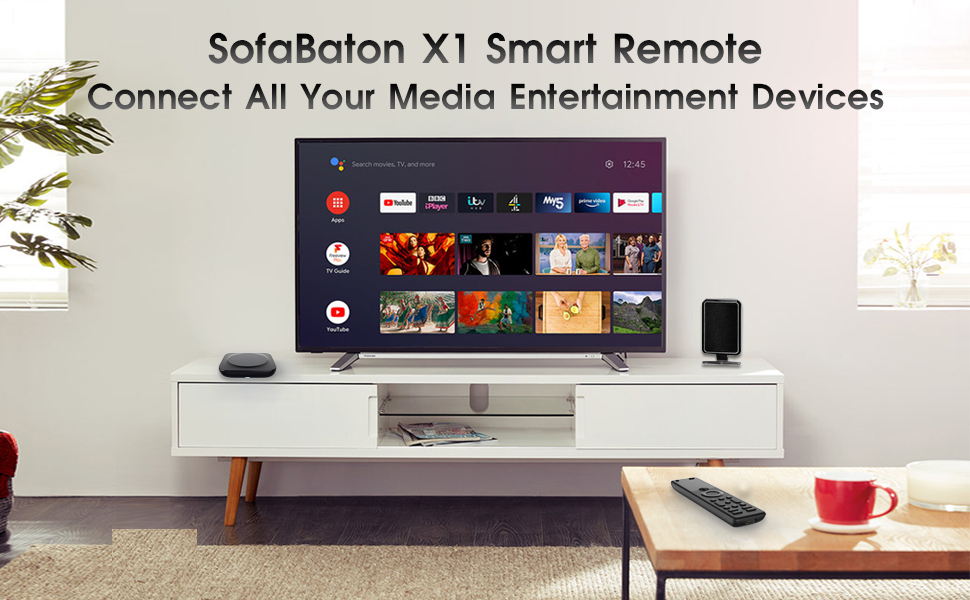
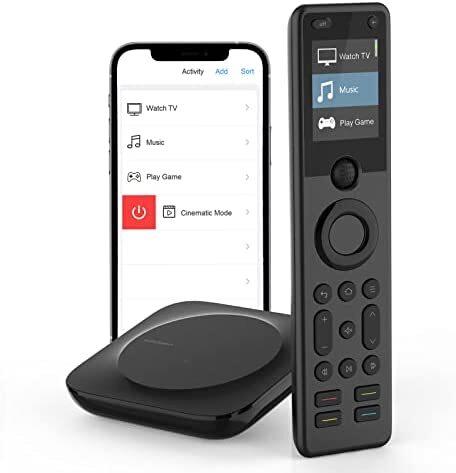
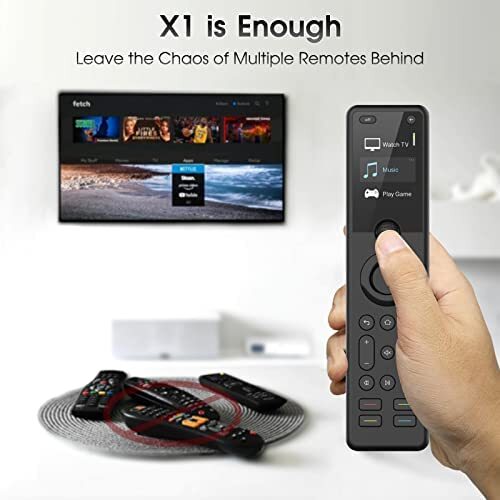
Say Goodbye to Chaos Remotes, Connect all Your Entertainment Devices with a Single Powerful SofaBaton X1 Remote
More Reasons Why You Should Choose the X1 Remote:
- Powerful Code Database
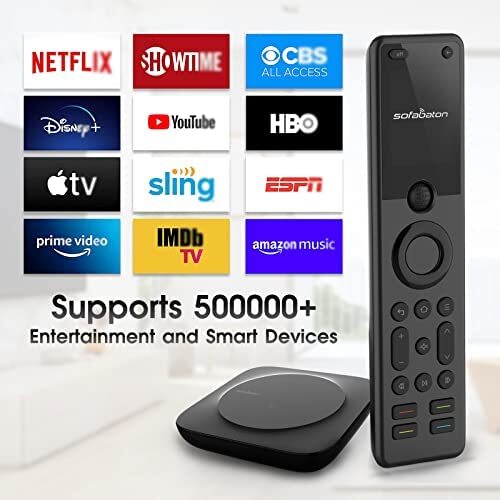
- Work with 500,000+ Home Entertainment Devices
- Smart APP both available for IOS and Android
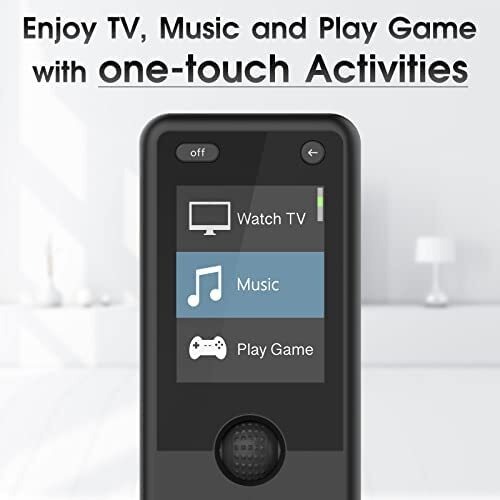
- Create Personalized One-touch Activities
- Work with Ale*a for Voice Control
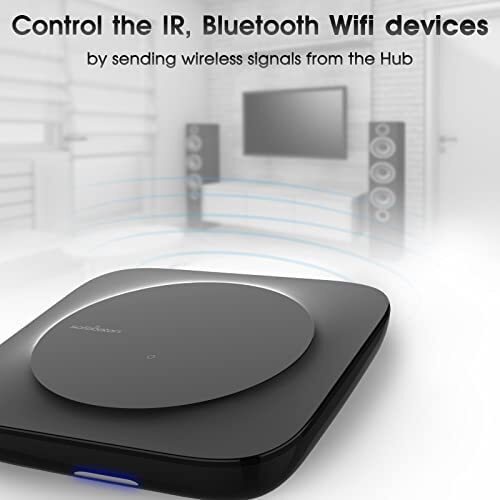
- IR, WLAN, and Bluetooth 3 in-1 wireless Hub
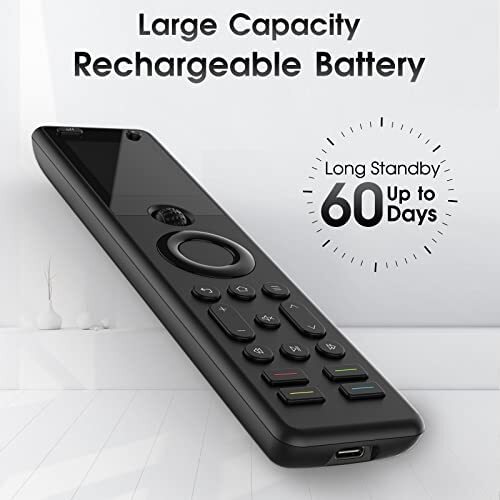
- Rechargeable Battery for up to 60 Days of Standby
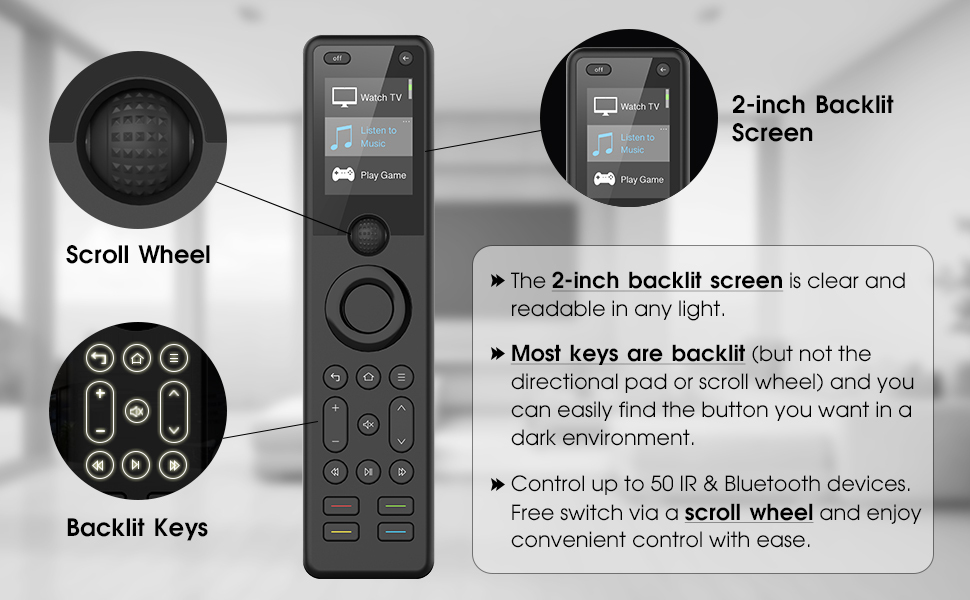
- Scroll Wheel Design & 2-inch Display Screen & Backlit Buttons
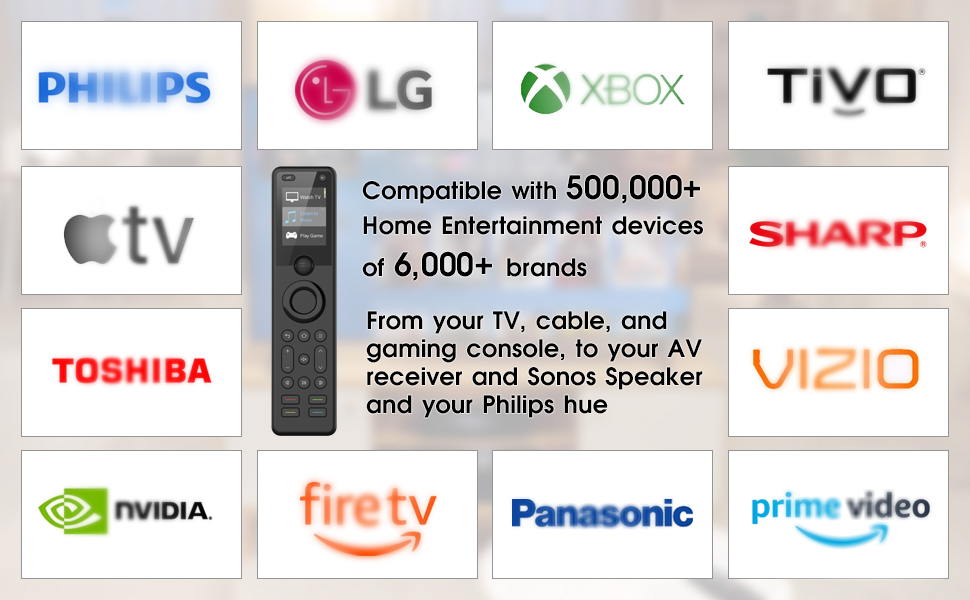
Powerful Codebase (The Device Codes are Added in Real-time Every Day)
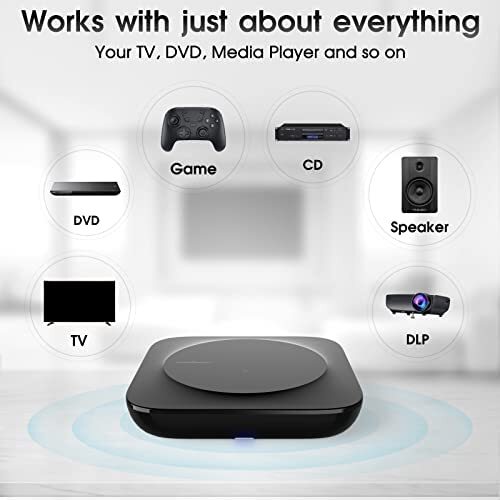
With a complete worldwide database of device codes, SofaBaton X1 remote is universally compatible with virtually all popular brands of audio and video equipment, including TV, DVD, Blu-Ray, cable boxes, gaming consoles, Ap*le TV、Ro*u devices, and more.
Let us know if couldn't find your devices, we will update the database to match the latest devices.
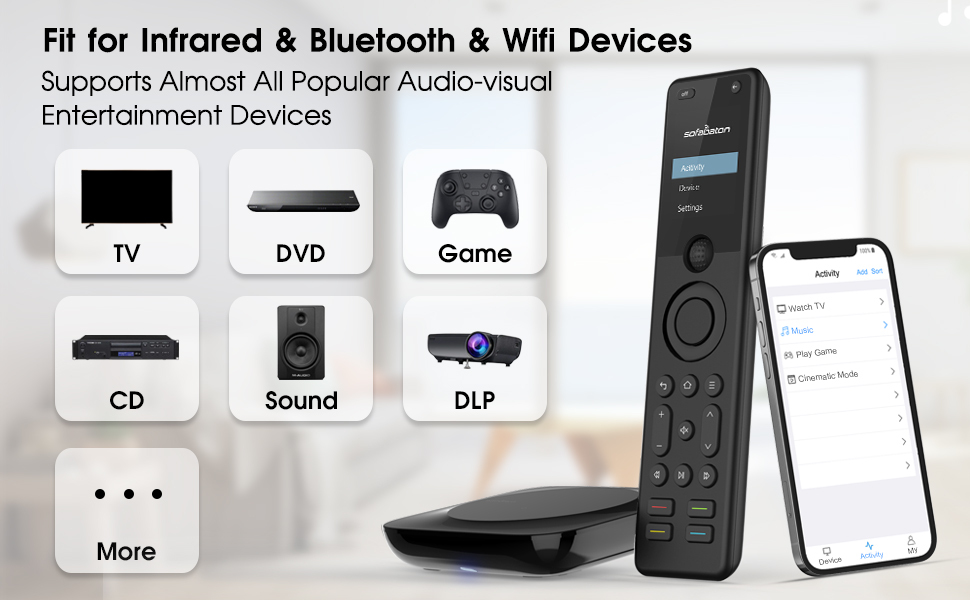
Supports Almost All Popular infrared & Bluetooth Home Entertainment Devices
How do add your devices?
Add the IR Devices:
Just enter the brand and model of the device directly.
For some devices that cannot find the code base, you can do a fuzzy search by brand, just enter the brand, and click "unable to get the exact model", then ''search'', and test the codebases you find.
For Bluetooth Devices:
1. Select your Bluetooth device in the APP (if you can't find your device, you can try to select ''other'');
2. Confirm the device information and submit it, use the original remote to enter the Bluetooth search menu to pair the device with Sofabaton X1 via Bluetooth.
For Wifi Devices: (Only support Ro*u, Son*n speaker, and Phil*ps hue currently.)
Make sure your device is turned on and connected to the same Wi-Fi as the Hub. The devices found after scanning can be added by clicking the list.
Manual Learning Mode:
Just follow the APP prompt to complete the operation.
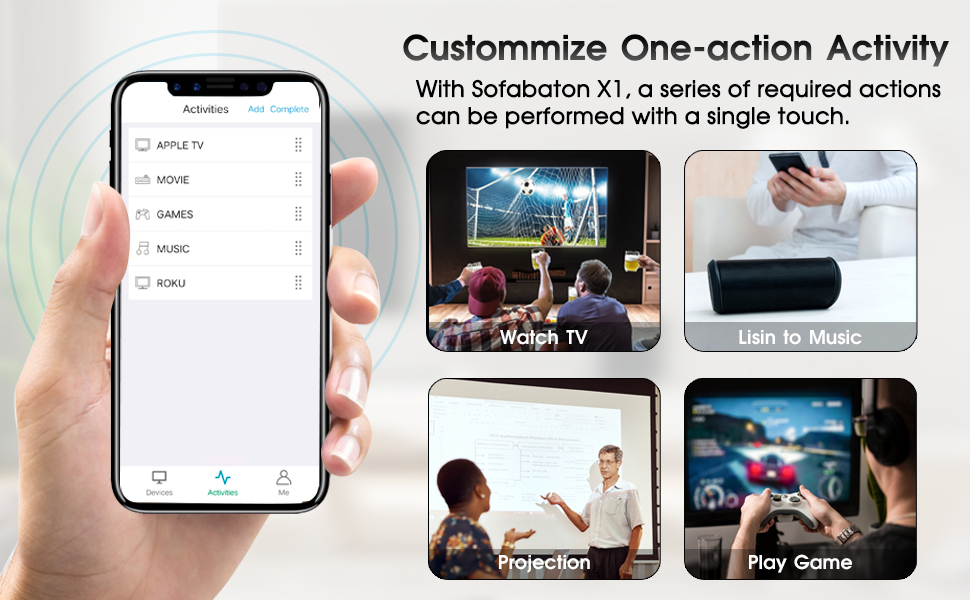
Customize Personalized Remote Control with the Help of the Smart SofaBaton APP
Turn Your Phone into a Backup Remote to Quickly Control Everything
Install the sofaBaton app on your mobile device and set up the Hub. After that, you can program the home devices into the remote at any time. Enter the brand and model of your TV, media streamer, Blu-ray player, or gaming system and it will appear in the remote's control list.
Custom One-touch activities through the SofaBaton App
A long & boring day. You just want to curl up on the sofa, turn on the Phil*ps hue, relax with a movie or enjoy music. The SofaBaton will do a series of required actions at the touch of a single button.
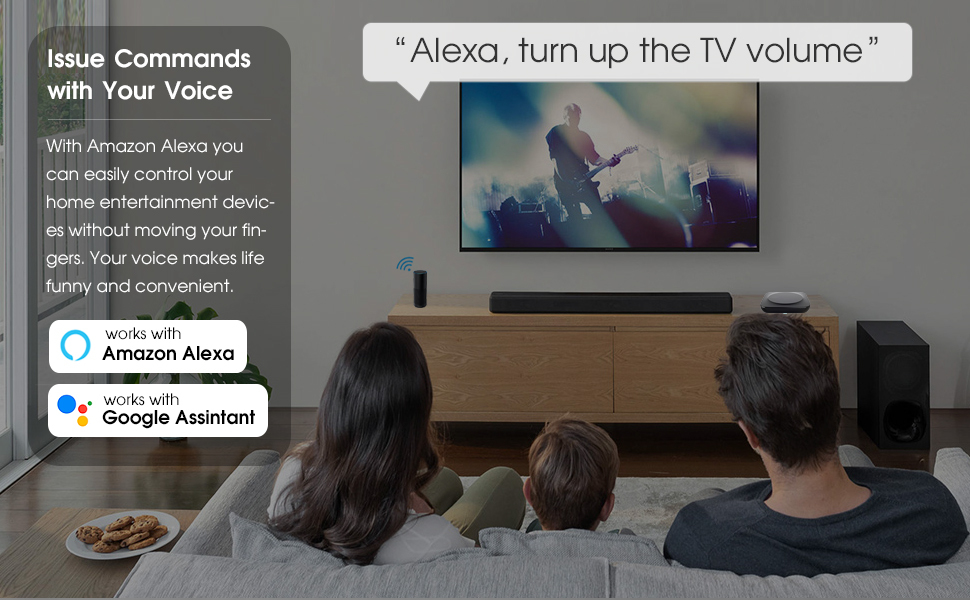
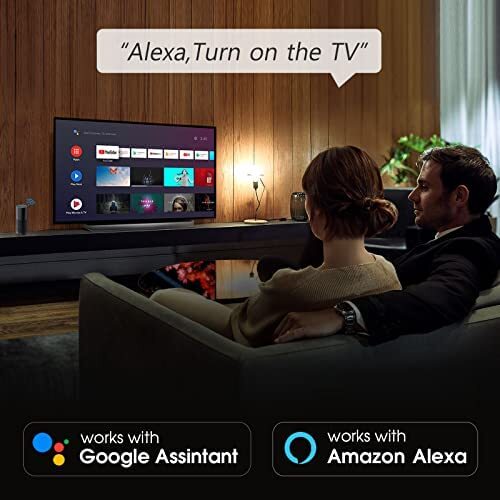
Free Your Hands - Works with Alexa & Go*gle Assistant for Voice Control
- The remote control itself does not have a microphone, so it cannot send voice commands directly. It needs to be used with Amazon Ale*a.
- The way it works is that you send a voice command (For example, ''Ale*a, turn up the TV volume.'') to Amazon Ale*a, which can transmit your command to Hub to control your devices.
- Before use, please sync SofaBaton account information in Skill of Amazon Ale*a.
|
|
|
|
|---|---|---|
Remote Control Retrieval FunctionWhat should I do if I can't find the remote control? Press the button of Hub to trigger the beeping sound of the remote control. Even if you lose your X1 remote under the sofa, in the toy box, you can easily find back it. |
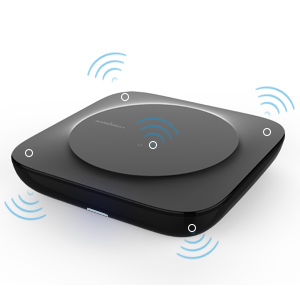
All signals are sent from the HubX1-Hub centralizes command of all your devices by controlling them with IR, Wi-Fi or Bluetooth wireless signals. |
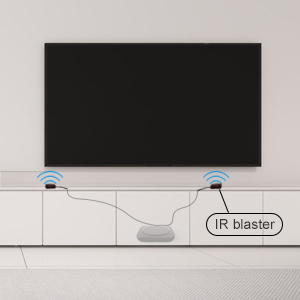
Two Free IR BoosterWith the two included IR boosters, the IR signal won't be affected even if you hide the hub in the cabinet. The infrared control distance is about 30 feet. |
The Following FAQs can Help you Know More about SofaBaton X1 Better
Q1: What is the one-touch activity?
- A1: Customize the activity scene through the APP, You can perform a series of desired actions with just one touch. Turn on the projector - switch to AV mode - turn on the audio, etc.
Q2: Does the X1 remote support voice control?
- A2: The X1 remote doesn't have a voice function itself, but it can be used with Alexa (Go*gle Assistant) to control the device by voice.
Q3: Can I pair multiple Remotes to one hub?
- A3: One X1-Hub can only be paired with one X1-Remote.
Q4: Do the X1 remote support door locks, curtains, and other smart home devices?
- A4: Not support. SofaBaton X1 remote supports audio and video entertainment devices (IR & Bluetooth), but with WiFi, it’s able to control 3 smart devices - Phil*ps Hue, Son*s speaker, and Ro*u stick+.
Q5: Does X1-Hub need to be connected to the network or APP all the time?
- A5: After setting up the hub, you don't need the network and APP at all, unless you control wifi devices.
Q6: I see multiple X1 links on Amazon, what's the difference?
- A6: All X1 remotes on sale are the same in appearance and performance, and there is no difference between them.
- Package Dimensions:
- 9.02 x 5.51 x 2.68 inches
- Item Weight:
- 1.43 pounds
- ASIN:
- B0B1Q4KQ3P
- Item model number:
- X1
- Batteries:
- 2 Lithium Polymer batteries required. (included)
- Customer Reviews:
- 3.7 out of 5 stars
- Best Sellers Rank:
- #765 in Remote Controls (Electronics)
- Date First Available:
- February 16, 2022
- Manufacturer:
- SofaBaton